Industrial Pasta Extruders Dry Flour Alarm
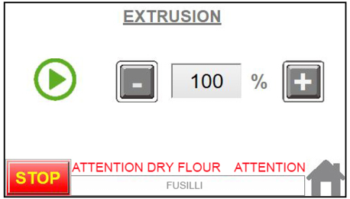
If you receive the ATTENTION DRY FLOUR alarm:
-
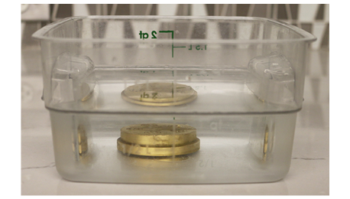
Stop the machine and remove the die immediately. Soak die in water.
Dry flour will clog the die and cause damage if not removed. Operating with a clogged die will void warranty.
- Remove all ingredients from the machine. Empty the machine completely.
- Reassemble with a clean pasta die.
- After cleaning and reassembling the machine, press the Stop button.
The machine will reiterate the steps to take (empty all ingredients, remove die and die ring, clean all parts before starting over).
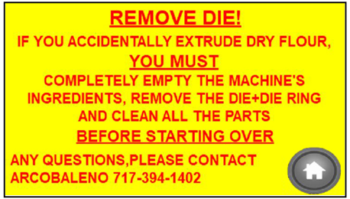
After these steps have been completed, press the Home button to clear the alarm. - Verify the recipe and start a new batch.
The base recipe for Arcobaleno Pasta Extruders is 30-33% hydration.
Running less than 30% hydration will result in ATTENTION DRY FLOUR ALARM.
Any questions, please contact Arcobaleno at 717-394-1402.
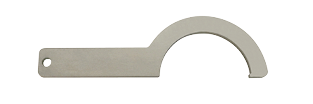
Tools needed to remove pasta die ring:
- Spanner/die wrench
- Hammer
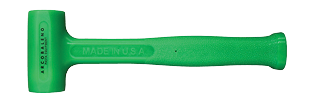
While holding the die wrench firmly, tap the arm of the die wrench with the hammer as shown.
Use care when using the hammer to avoid damage to the user or the machine.

Pasta die must be removed immediately and soaked in water!